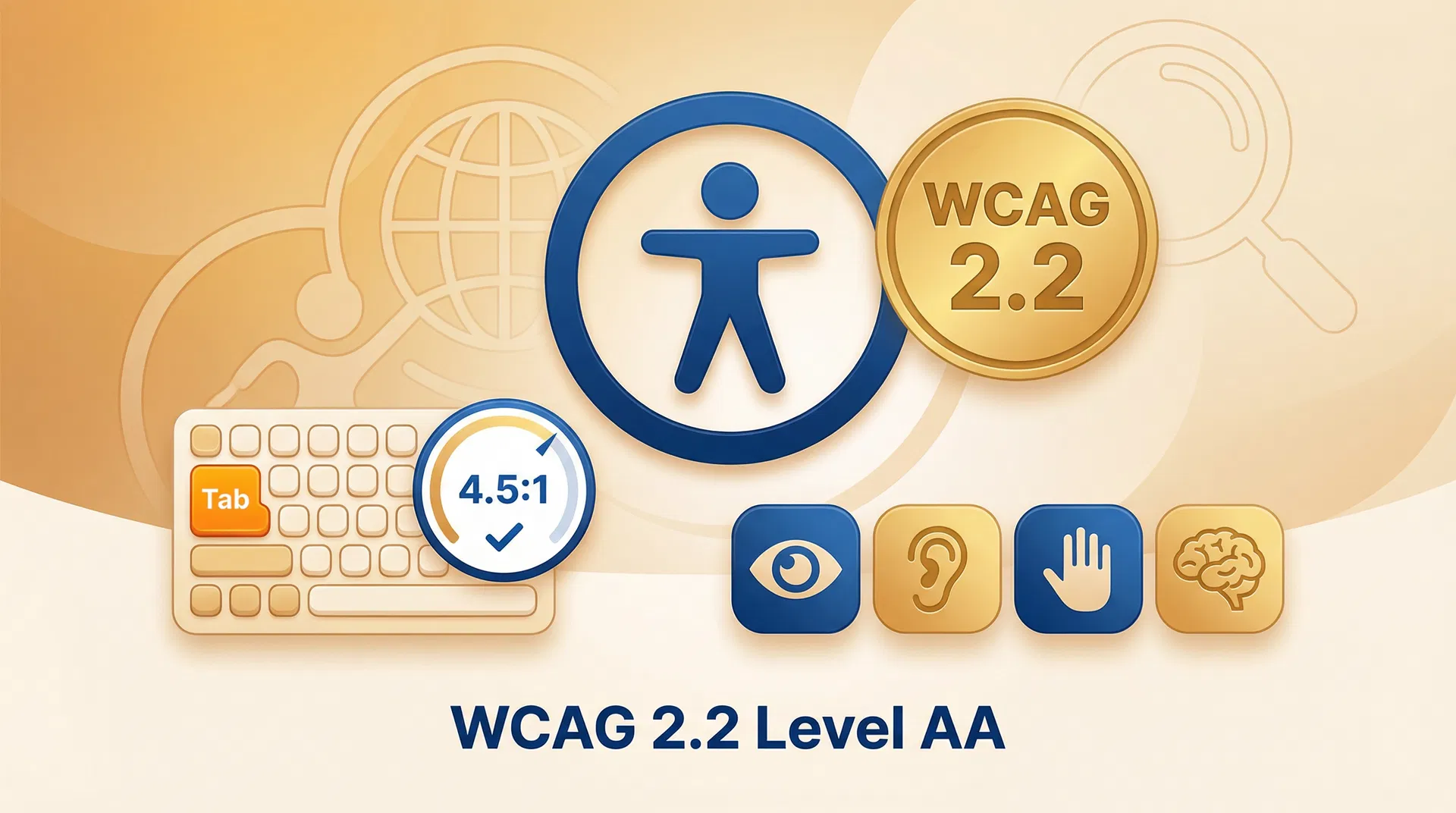
# Web Accessibility (WCAG 2.2) for B2B Companies: Practical Implementation Guide for 2026 ## Table of Contents - [Introduction](#introduction) - [Why Web Accessibility Matters in B2B in 2026](#why-web-accessibility-matters-in-b2b-in-2026) - [WCAG 2.2: The New Accessibility Criteria](#wcag-22-the-new-accessibility-criteria) - [The Four Principles of WCAG: POUR](#the-four-principles-of-wcag-pour) - [Accessibility in B2B Forms](#accessibility-in-b2b-forms) - [Accessibility in Navigation and Menus](#accessibility-in-navigation-and-menus) - [Accessibility in Data Tables and Comparisons](#accessibility-in-data-tables-and-comparisons) - [Accessibility in Multimedia Content](#accessibility-in-multimedia-content) - [Accessibility Audit Tools](#accessibility-audit-tools) - [Accessibility in HubSpot CMS and WordPress](#accessibility-in-hubspot-cms-and-wordpress) - [Frequently Asked Questions](#frequently-asked-questions) - [Conclusion](#conclusion) - [References](#references) --- ## Introduction Web accessibility is no longer optional for B2B companies in 2026. The European Accessibility Act (EAA) came into force in June 2025, requiring all companies operating in the EU to comply with WCAG 2.2 level AA standards. Companies that fail to comply face legal sanctions and loss of contracts with the public sector. Beyond legal compliance, web accessibility improves the user experience for all visitors, reduces bounce rates and has a positive impact on SEO. --- ## Why Web Accessibility Matters in B2B in 2026 **Legal obligation.** The European Accessibility Act (EAA) requires companies operating in the EU to comply with WCAG 2.2 level AA from June 2025. Penalties for non-compliance can be significant. **Access to public contracts.** European public administrations require WCAG 2.2 level AA compliance from all their digital suppliers. Without accessibility, access to public tenders is impossible. **Market potential.** More than 15% of the world's population has some form of disability. In B2B, this includes purchasing decision-makers with visual, auditory or motor disabilities. **SEO.** Accessibility practices (alternative texts, semantic structure, colour contrast) improve technical SEO and indexation by search engines. **User experience.** Accessibility improvements benefit all users, not just those with disabilities. Video subtitles are useful in noisy environments; high contrast is useful with screens under direct sunlight. --- ## WCAG 2.2: The New Accessibility Criteria WCAG 2.2 (published in October 2023) adds 9 new success criteria to WCAG 2.1: | Criterion | Level | Description | |---|---|---| | 2.4.11 Focus Appearance (Minimum) | AA | The focus indicator must have a minimum area and sufficient contrast | | 2.4.12 Focus Appearance (Enhanced) | AAA | Stricter requirements for the focus indicator | | 2.4.13 Focus Appearance | AA | Focus must be visible with minimum area and contrast | | 2.5.7 Dragging Movements | AA | Dragging actions must have single-pointer alternatives | | 2.5.8 Target Size (Minimum) | AA | Touch targets must be at least 24x24 pixels | | 3.2.6 Consistent Help | A | Help mechanisms must be consistent | | 3.3.7 Redundant Entry | A | Do not ask for information already provided in the same process | | 3.3.8 Accessible Authentication (Minimum) | AA | Authentication must not require cognitive tests | | 3.3.9 Accessible Authentication (Enhanced) | AAA | Stricter requirements for authentication | --- ## The Four Principles of WCAG: POUR WCAG is organised around four fundamental principles: ### 1. Perceivable Content must be presentable to users in ways they can perceive. **Alternative texts for images:** ```html Bar chart showing 45% growth in B2B sales during 2026 ``` **Colour contrast (minimum 4.5:1 for normal text):** ```css /* Incorrect: insufficient contrast */ .text { color: #999; background: #fff; } /* Ratio: 2.85:1 */ /* Correct: sufficient contrast */ .text { color: #595959; background: #fff; } /* Ratio: 7.0:1 */ ``` ### 2. Operable Interface components must be operable. **Keyboard navigation:** ```html ``` **Minimum touch target size (WCAG 2.2):** ```css /* Buttons must be at least 44x44px for touch */ .button { min-height: 44px; min-width: 44px; padding: 12px 24px; } ``` ### 3. Understandable Information and the operation of the interface must be understandable. **Page language:** ```html ``` **Form labels:** ```html ``` ### 4. Robust Content must be robust enough to be interpreted by assistive technologies. **Correct use of ARIA roles:** ```html

Page title

``` --- ## Accessibility in B2B Forms Contact forms, demo requests and content download forms are critical on B2B websites. They must be fully accessible: ```html

Request a free demo

Enter your first and last name
``` --- ## Accessibility in Navigation and Menus ```html ``` --- ## Accessibility in Data Tables and Comparisons Product comparison tables are very common on B2B websites and must be accessible: ```html
HubSpot Marketing Hub 2026 Plan Comparison
Feature Starter Professional Enterprise
Included contacts 1,000 2,000 10,000
Automations
``` --- ## Accessibility in Multimedia Content Multimedia content (videos, podcasts, webinars) is increasingly common on B2B websites. To be accessible: **Videos must have:** - Subtitles (closed captions) for users who are deaf or hard of hearing. - Audio descriptions for users who are blind or have low vision. - A text transcript for users who cannot access the video. **Audio content must have:** - A text transcript. **Animated content must:** - Respect the `prefers-reduced-motion` media query. - Provide a pause/stop control for animations lasting more than 5 seconds. ```css /* Respect reduced motion preference */ @media (prefers-reduced-motion: reduce) { * { animation-duration: 0.01ms !important; animation-iteration-count: 1 !important; transition-duration: 0.01ms !important; } } ``` --- ## Accessibility Audit Tools | Tool | Type | Price | Use | |---|---|---|---| | axe DevTools | Browser extension | Free / Pro | Audit during development | | WAVE | Browser extension | Free | Visual audit | | Lighthouse | Built into Chrome | Free | Automated audit | | Deque axe-core | JS library | Free | Automated testing in CI/CD | | Siteimprove | SaaS | Paid | Continuous monitoring | | Tenon.io | SaaS | Paid | Audit and monitoring | ### Integrating axe-core in the CI/CD Pipeline ```javascript // Example with Playwright and axe-core import { test, expect } from '@playwright/test'; import AxeBuilder from '@axe-core/playwright'; test('homepage should not have accessibility violations', async ({ page }) => { await page.goto('/'); const accessibilityScanResults = await new AxeBuilder({ page }) .withTags(['wcag2a', 'wcag2aa', 'wcag21aa', 'wcag22aa']) .analyze(); expect(accessibilityScanResults.violations).toEqual([]); }); ``` --- ## Accessibility in HubSpot CMS and WordPress ### HubSpot CMS HubSpot CMS generates accessible HTML code by default for most components. However, custom modules must follow accessibility guidelines: - Use correct ARIA roles in modules. - Ensure all form fields have labels. - Verify colour contrast in module colour fields. ### WordPress WordPress has good accessibility support in the core, but themes and plugins can introduce problems: - Use themes certified as accessible (Kadence, GeneratePress, Neve). - Avoid plugins that generate inaccessible HTML code. - Use the WP Accessibility plugin to fix common problems. --- ## Frequently Asked Questions **What level of WCAG must I comply with?** For most B2B companies in the EU, WCAG 2.2 level AA is the minimum required by the European Accessibility Act. Level AAA is recommended but not mandatory. **How much does it cost to make a website accessible?** The cost of accessibility depends on the current state of the site. For a new site, adding accessibility from the start adds 10–20% to the development cost. For an existing site, remediation can cost between €5,000 and €50,000, depending on complexity. **Does accessibility affect SEO?** Yes, positively. Image alternative texts, semantic HTML structure, descriptive page titles and colour contrast are factors that improve both accessibility and SEO. **What happens if I do not comply with the EAA?** Penalties vary by EU country. In the UK, the Public Sector Bodies Accessibility Regulations require compliance and non-compliance can result in enforcement action. In the EU, penalties can reach €150,000 for serious breaches. Additionally, non-compliant companies may be excluded from public tenders. **Can I use an accessibility statement to comply with the EAA?** An accessibility statement is mandatory but not sufficient. You must demonstrate that the site complies with WCAG 2.2 level AA, not merely declare it. --- ## Conclusion Web accessibility is a legal obligation, a business opportunity and a user experience improvement for all B2B companies in 2026. Implementing WCAG 2.2 level AA not only avoids legal sanctions, but opens access to public contracts, improves SEO and makes the site more usable for all visitors. At Emovere we audit and develop accessible B2B websites in HubSpot CMS and WordPress. Contact our team for a free accessibility audit. --- ## References [1] W3C — WCAG 2.2 Guidelines. https://www.w3.org/TR/WCAG22/ [2] European Commission — European Accessibility Act. https://ec.europa.eu/social/main.jsp?catId=1202 [3] Deque — axe-core. https://github.com/dequelabs/axe-core [4] WebAIM — Contrast Checker. https://webaim.org/resources/contrastchecker/ [5] MDN Web Docs — Accessibility. https://developer.mozilla.org/en-US/docs/Web/Accessibility